

Consumables
If you need step-by-step instructions, see Managing consumables. For the full list of fields, transaction types, and columns, see the Consumables reference.
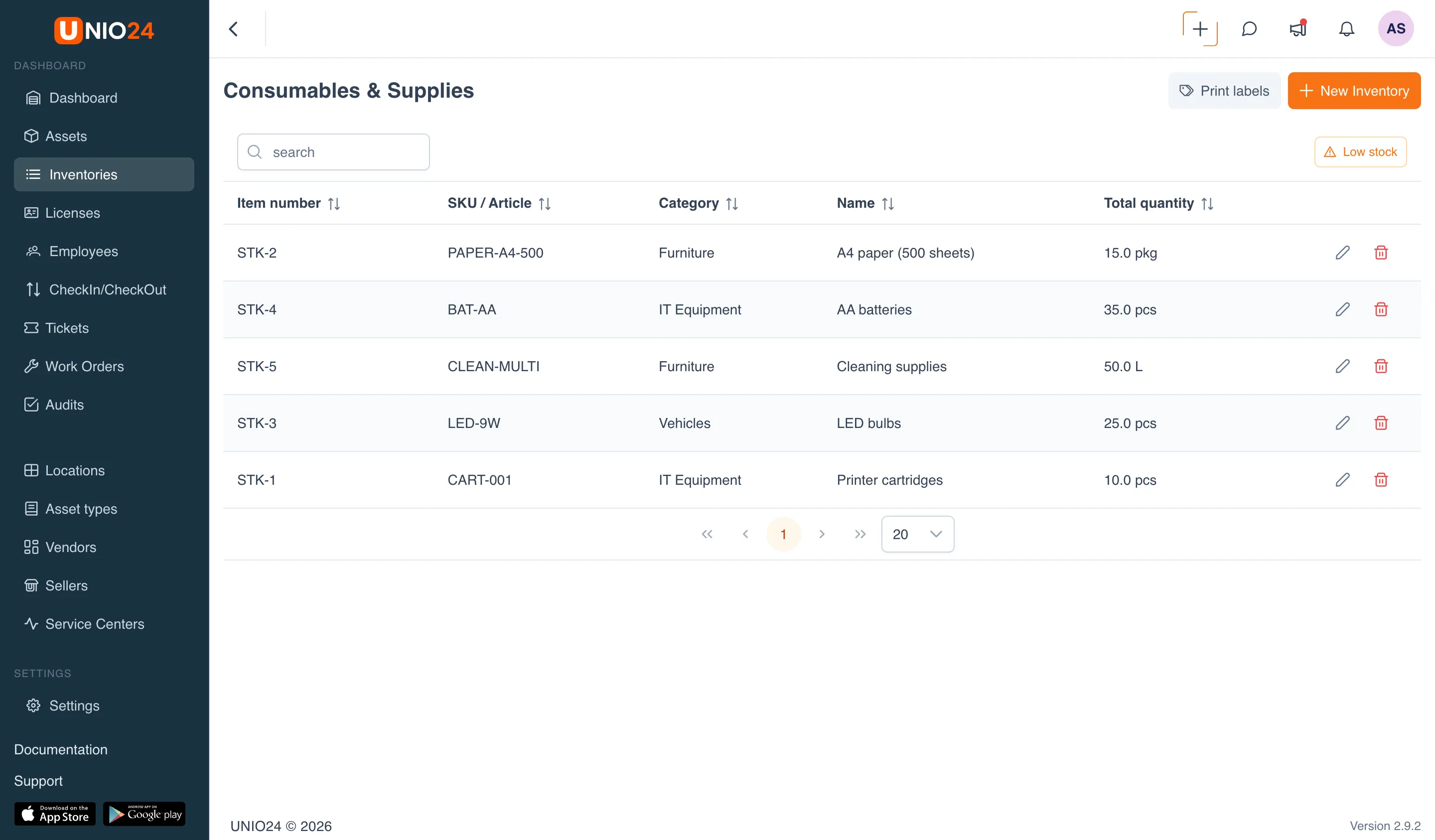
Inventories are consumable items that get used up during work and are not counted as primary assets: fasteners, spare parts, office supplies, equipment consumables, cleaning products. They are purchased and consumed rather than assigned to employees or tracked as individual accounting objects. The section page is called Inventories.
The section is available to users whose role has the corresponding permissions; there is no need to enable it separately the way modules are. If there is no such section in the menu, your role has no rights to it.
How consumables differ from assets
Section titled “How consumables differ from assets”An asset is an individual, long-lived accounting object with its own record, history, and inventory number; it is assigned to an employee or a location and tracked per unit. A consumable is used up in the course of work, so it is not registered with a record for each unit but tracked as a single stock total — in pieces, kilograms, or liters.
Stock by location
Section titled “Stock by location”The stock of a consumable is tracked separately for each location. An item has a Total quantity (the sum across all warehouses) and a breakdown by storage location on the Stock by location tab.
Stock cannot be corrected manually through the item form — it changes only through transactions. This is so that every stock change has a reason and an author and is visible in the history.
When the total quantity drops to or below the low stock threshold, the item is flagged with a Low stock tag and its quantity is shown in red. The consumables list has a Low stock filter.
Transactions
Section titled “Transactions”Any stock movement is a transaction. There are four types:
- Incoming — stock arrives at a location;
- Outgoing — stock is written off from a location;
- Transfer — stock is moved from one location to another;
- Adjustment — the recorded quantity is corrected.
Outgoing and transfer are checked against the available stock: you cannot write off or move more than is stored at the source location — the system shows an error. All movements land on the Transaction history tab with the date, type, storage locations, quantity, comment, and author.
How exactly to record each type is covered in Managing consumables. The codes and direction of each type are in the Reference.
Materials in work orders
Section titled “Materials in work orders”When the Work orders module is enabled, consumables can be written off to a work order as Materials. A work order has the Issue material and Return material actions, and such issuance goes through the same warehouse transactions — so material consumption is tracked for a specific job and the warehouse stock decreases. In the item’s transaction history, such a movement shows the linked asset.
Photos
Section titled “Photos”A consumable record has a Photos tab — you can upload pictures of the item to it (for example, packaging or a label). For more, see Files and photos.